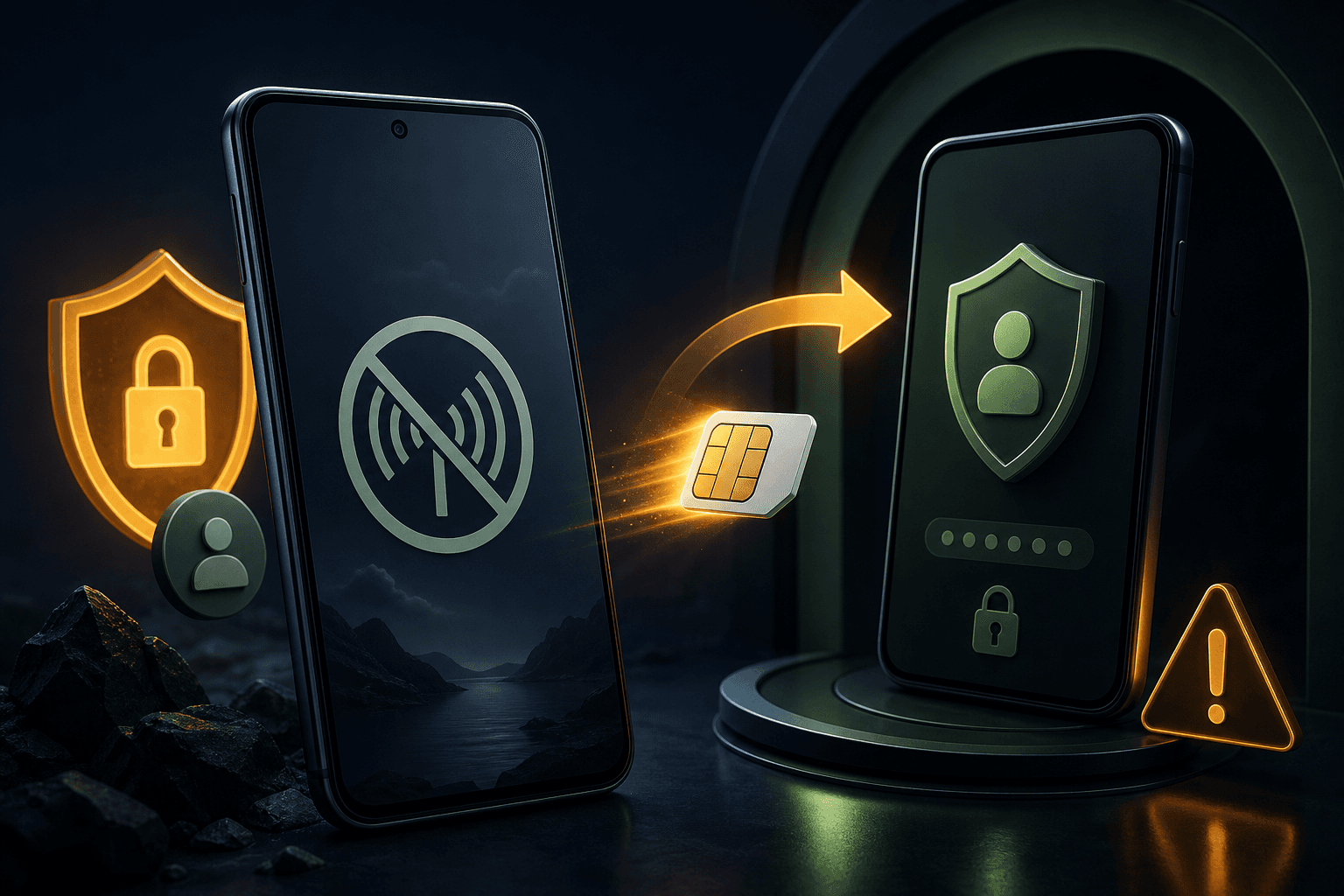
Your Android phone suddenly shows No service, calls and texts stop working, and you may receive an unexpected notice that your SIM or eSIM was activated on another device. That combination can indicate a SIM swap—also called a SIM card swap—where someone persuades or tricks a mobile carrier into moving your phone number to a SIM they control.
A loss of service does not prove a SIM swap. Network outages, damaged SIM cards, eSIM problems, billing issues, and device settings can cause similar symptoms. However, if the loss of service is sudden and accompanied by unexpected account alerts or failed login codes, treat it as urgent.
What is a SIM swap?#
A SIM swap is a form of mobile-account takeover. The attacker does not need to steal your Android phone. Instead, they try to gain control of the phone number attached to your carrier account.
If the carrier approves the change, calls and text messages intended for you may go to the attacker's SIM. The attacker may then try to reset accounts that use SMS codes for authentication, including email, financial, social media, or cryptocurrency accounts.
This is different from spyware. While detecting spyware on Android focuses on investigating unwanted background monitoring apps and compromised device access, a SIM swap primarily targets your mobile number and carrier account. It does not automatically give someone access to everything stored on your Android device.
Common SIM swap warning signs#
Look for a pattern rather than relying on one symptom:
- Your phone unexpectedly loses cellular service while nearby people on the same network still have service.
- Calls, SMS messages, and mobile data stop working at the same time.
- You receive a carrier message about a SIM, eSIM, number transfer, or account change that you did not request.
- Password-reset or sign-in alerts arrive for accounts you did not try to access.
- SMS-based two-factor authentication codes stop arriving.
- Your carrier account password, email address, recovery details, or security settings have changed unexpectedly.
- Friends or family report messages from your number that you did not send.
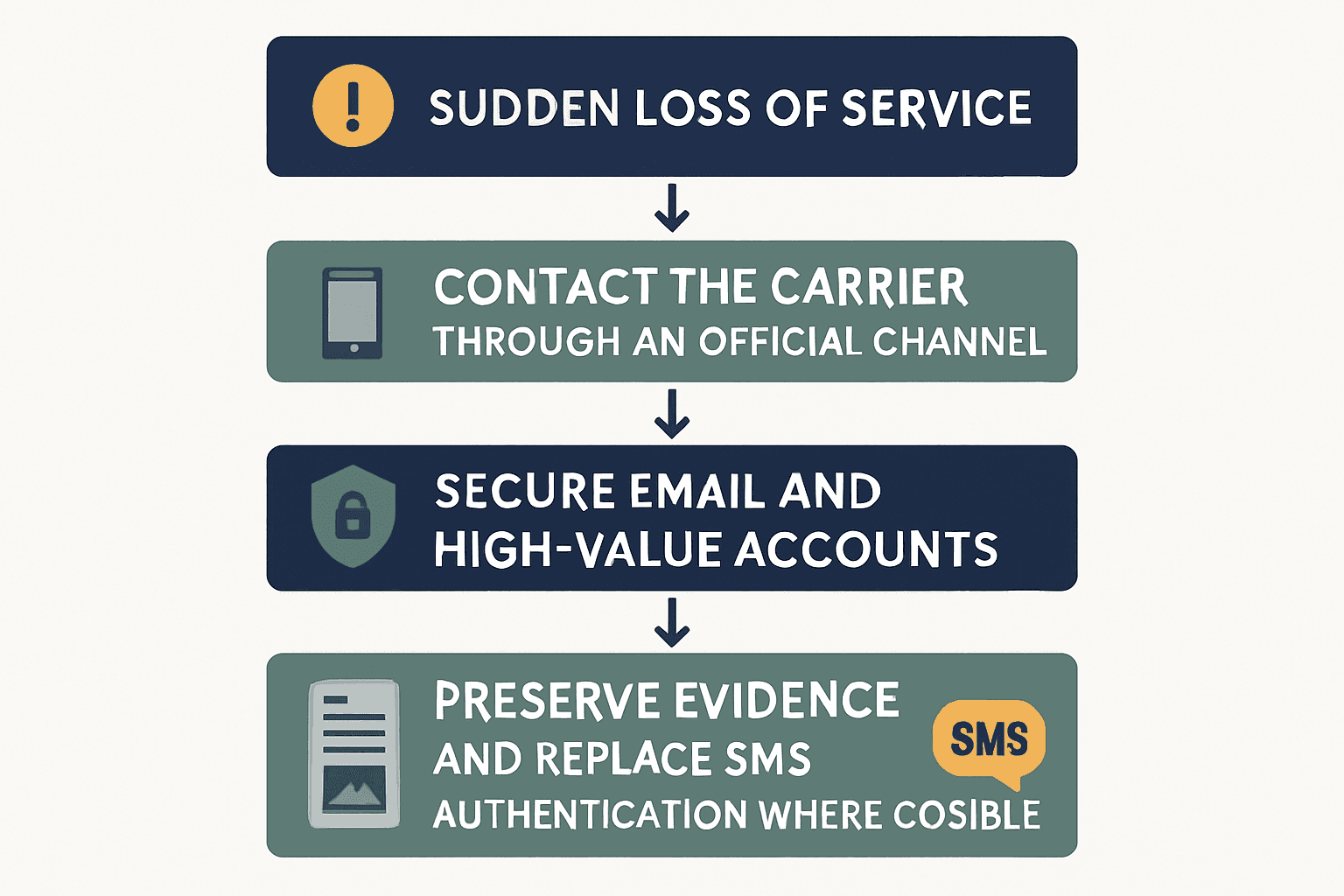
A dead zone, maintenance outage, unpaid bill, damaged SIM, or incorrectly configured eSIM can look similar. Before concluding that a SIM swap occurred, use Wi-Fi to check your carrier account and contact the carrier through an official channel.
What to do if your Android phone suddenly loses service#
1. Use Wi-Fi and check for account alerts#
Connect to a trusted Wi-Fi network if possible. Check your email, carrier account, password manager, and important online accounts for notices about:
- A new SIM or eSIM activation
- A number transfer or port-out request
- Password or recovery-information changes
- New devices or unfamiliar sign-ins
- Failed or completed password resets
Do not use links in suspicious messages. Open the carrier's official app or type its known website address yourself.
2. Contact the carrier using an official route#
Call the carrier from another phone, visit an official retail location, or use the carrier's verified support app or website. Explain that you suspect an unauthorized SIM change or number transfer.
Ask the carrier to:
- Confirm whether a SIM or eSIM was recently activated.
- Check for an unauthorized number-transfer or port-out request.
- Suspend or reverse the unauthorized change.
- Restore your number to a SIM or eSIM that you control.
- Add or reset the account PIN, passcode, or transfer lock.
- Record the case number, time, and name or identifier of the support representative.
Carrier names and account-protection features vary. A carrier account PIN may be different from the PIN used to unlock your Android phone or SIM card.
3. Secure your email and Google account#
Your email account is especially important because it may be used to reset other accounts. From a trusted device, change the password for your primary email and Google account if you see suspicious activity or believe the attacker may know the password.
Review signed-in devices, recent security events, recovery methods, and third-party access. If you need to verify which devices are connected to your Google account or remotely secure hardware, consult our guide to finding and securing Android devices through Google. Remove devices and sessions you do not recognize, but preserve evidence first if you may need it for a fraud investigation.
Google's account-recovery and security settings can change over time, and the labels may differ by Android version or account configuration. Follow the current instructions in Google's official account-help documentation during the recovery process.
4. Protect financial and high-value accounts#
Contact your bank, payment provider, brokerage, employer, or other high-value services through official contact details. Tell them that your phone number may have been taken over and ask whether recent password resets, profile changes, transfers, or new devices appear on the account.
If an account permits it, replace SMS codes with an authenticator app, passkey, or hardware security key. These methods are not identical, and availability varies by service, but they reduce reliance on control of your phone number.
5. Preserve evidence#
Save carrier messages, emails, screenshots, dates, case numbers, and records of account changes. Do not delete suspicious messages before recording their contents. If money, identity documents, or work accounts are involved, report the incident through the relevant institution's official fraud channel and consider local law-enforcement or consumer-protection reporting options.
How to reduce SIM-swap risk#
You cannot control every part of a carrier's process, but you can make an account takeover harder and limit its impact:
- Set a strong carrier-account PIN or passcode that is not reused elsewhere.
- Ask the carrier whether it offers a SIM-change lock, port-out lock, number-transfer PIN, or similar protection.
- Keep your carrier account email and recovery information current.
- Use a unique password for the carrier account.
- Prefer an authenticator app, passkey, or security key over SMS authentication where supported.
- Store backup codes in a secure location that is not dependent on the affected phone number.
- Review important accounts for unfamiliar devices, sessions, recovery addresses, and forwarding rules.
- Be cautious about sharing personal information that could help someone impersonate you to a carrier.
No single setting guarantees protection. Ask your carrier which controls apply to your plan and region.
SIM swap, spyware, or phone tracking?#
These problems can overlap in a stressful incident, but they require different checks:
| Problem | Main target | Typical first check |
|---|---|---|
| SIM swap | Carrier account and phone number | Contact the carrier and review number-transfer activity |
| Spyware or abusive device access | Android device and its data | Review apps, permissions, accessibility access, and account sessions |
| Location sharing | Account or app location settings | Review Google, messaging, family-safety, and map-sharing settings |
| Physical tracker | A tag or device traveling with you | Use Android's unwanted-tracker alerts and inspect belongings safely |
Battery drain or unusual data use alone does not establish that spyware or a SIM swap is present. If you also suspect unwanted Android tracking, document the situation carefully and follow our guide on how to check whether your Android phone is being tracked or practical steps to stop unwanted phone tracking rather than assuming every symptom has the same cause.
What not to do#
- Do not confront a suspected attacker if doing so could put you at risk.
- Do not install unknown APK files recommended by an unsolicited caller or message.
- Do not share carrier passwords, one-time codes, or recovery codes with someone who contacts you unexpectedly.
- Do not factory-reset the phone before saving information you may need for recovery or reporting.
- Do not assume that restoring cellular service automatically secures your email, banking, or social accounts.
Frequently Asked Questions#
Can a SIM swap happen without losing phone service?#
Yes. A number-transfer attempt may be pending, partially completed, or affect some services before you notice a complete loss of service. Unexpected carrier notices and account changes should be investigated even if calls still work.
Does a SIM swap let someone read everything on my Android phone?#
Not by itself. A SIM swap mainly gives control of the phone number. It can help an attacker receive SMS codes or reset some accounts, but it does not automatically expose locally stored photos, apps, or files. Account compromise, hidden apps on Android, or excessive Android permissions would be separate concerns that require direct device audits.
Should I change my Google password after a suspected SIM swap?#
If you see unfamiliar sign-ins, password-reset activity, or believe your recovery process may be exposed, change the password from a trusted device and review sessions and recovery methods. Also secure your email and other high-value accounts.
How can I stop relying on SMS codes?#
Check each important service for passkeys, authenticator-app codes, hardware security keys, or backup codes. Enable the strongest practical option and keep recovery codes somewhere safe. Some services and carriers still require SMS for particular recovery steps.
Does airplane mode fix a SIM swap?#
No. Airplane mode can temporarily disconnect the phone from cellular networks, but it does not reverse a carrier-account change or restore control of your number. Contact the carrier through an official channel instead.
A suspected SIM swap is an account-recovery problem first: secure the carrier account, protect your email and high-value accounts, and preserve evidence. Once those steps are underway, investigate separate Android privacy concerns without treating ordinary phone symptoms as proof of surveillance.
Sources and research note#
This draft requires verification against current carrier procedures, Google account-recovery guidance, and current government or security-organization recommendations before publication. No web-search or browsing capability was available during drafting, so formal source citations have not been inserted.