If your Android phone warns you about an unknown tracker, or you find a small unfamiliar device in a bag or vehicle, do not assume that a Bluetooth scan has proved surveillance. The device may belong to someone you know, be attached to a lost item, or be a tracker that is simply passing nearby.
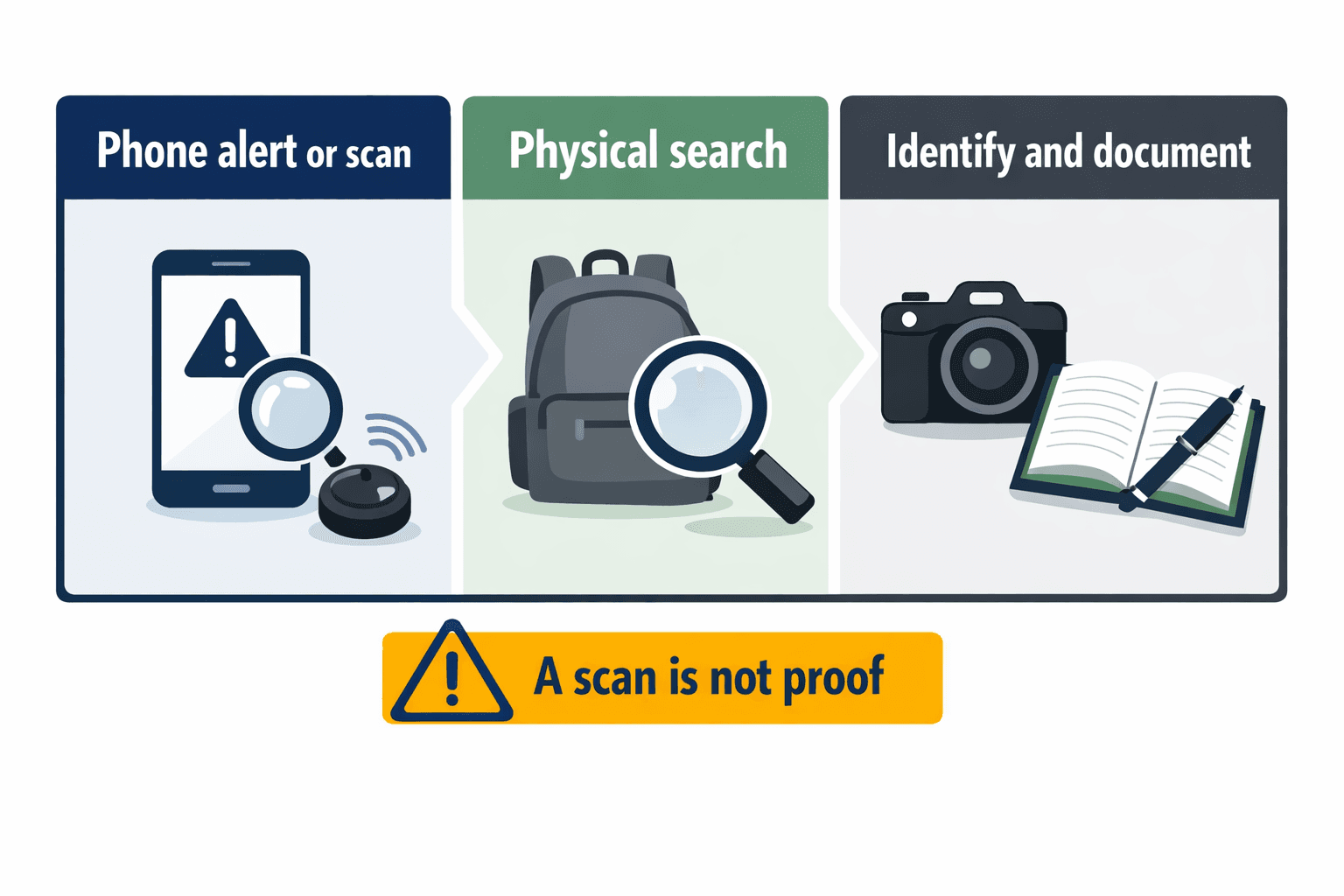
The safest approach is to combine an Android tracker alert with a physical search and device identification. A Bluetooth finder app can show nearby radio signals, but a scan alone usually cannot tell you who owns a device or why it is there.
This guide explains how to check for a Tile tracker for phone users, understand Android's unknown-tracker warnings, identify a physical Bluetooth device, and preserve your safety and evidence if the tracker seems suspicious.
Bluetooth trackers are different from phone tracking apps#
A Bluetooth tracker is a small physical device designed to help locate an item. Tile trackers, AirTag-style devices, and similar products usually broadcast a short-range Bluetooth signal. A nearby phone may detect that signal or help relay the tracker's approximate location through a compatible finding network.
That is different from software tracking on your Android phone. An app may use location permission, account access, accessibility access, or other capabilities to collect information. A physical tracker does not need to be installed as an app on your phone.
If you are also concerned about software tracking, review Android app permissions for location, camera, and microphone separately. A physical-tracker check cannot identify every form of app, account, or spyware activity.
What an unknown-tracker alert means#
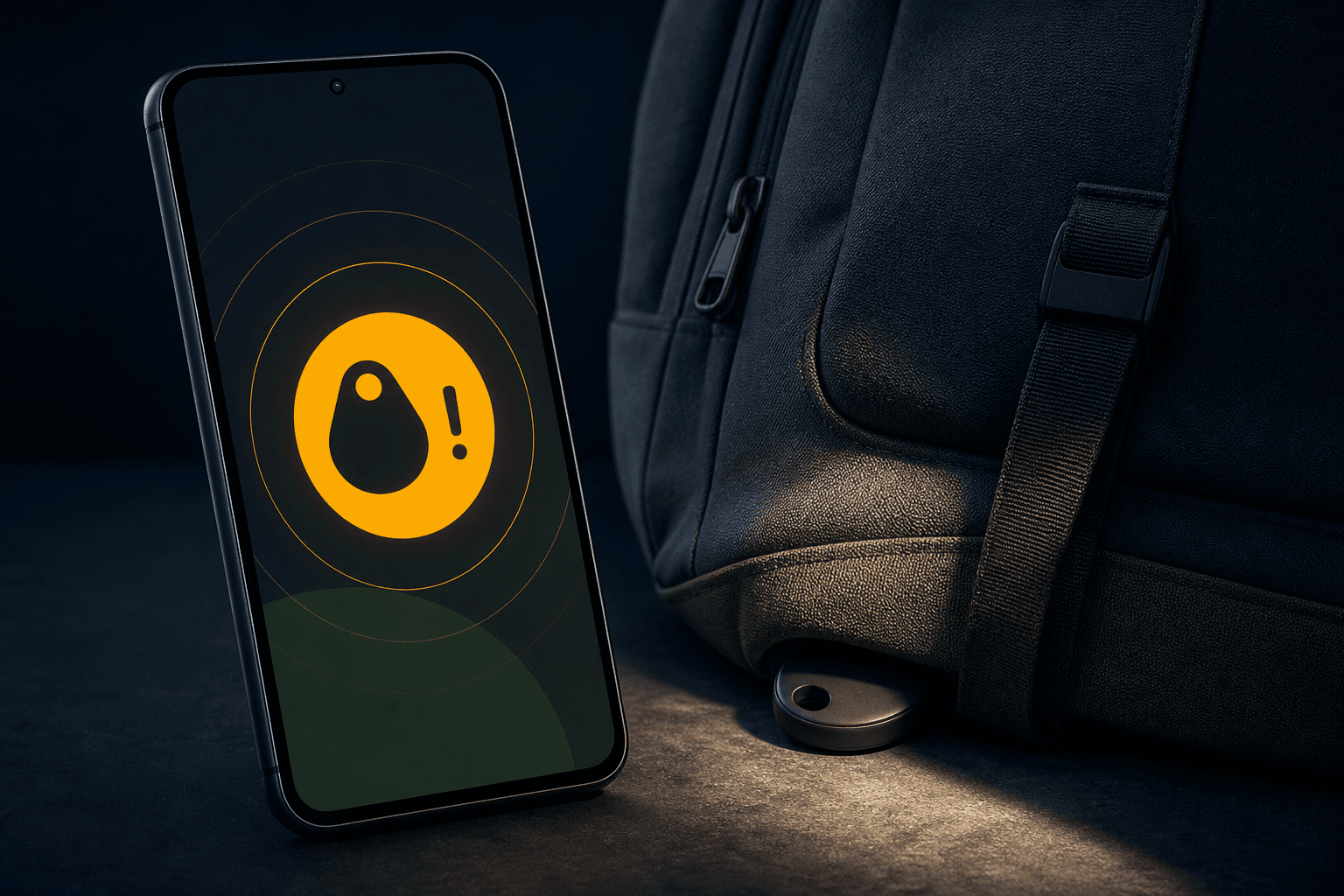
Android may show an alert when it detects a Bluetooth tracker that appears to be separated from its owner and moving with you. The exact wording, settings, and supported tracker types can vary by Android version, device manufacturer, Google account configuration, and the tracker network involved.
An alert is a reason to investigate, not proof of malicious intent. Consider alternative explanations such as:
- A friend or family member's tracker is in a vehicle you are riding in.
- A borrowed bag, coat, suitcase, or second-hand item contains a tracker.
- A tracker is attached to a nearby person's belongings and is temporarily traveling near you.
- The device is associated with a lost item or a shared household property.
Do not dismiss a repeated alert if you cannot explain it, especially if the device appears to follow you across different locations.
How to check for a nearby tracker on Android#
1. Read the alert carefully#
If Android displays an unknown-tracker notification, open it and record the information it provides. Depending on the device and tracker type, it may show a map, an approximate time, a device identifier, or an option to play a sound.
Take a screenshot if doing so is safe. Avoid repeatedly dismissing alerts before you understand what they refer to.
2. Use Android's built-in tracker tools when available#
Look in Android Settings for a section related to Safety & emergency, Personal safety, or Unknown tracker alerts. The location and wording can differ between phones. You may also be able to start a manual scan for nearby compatible trackers from the alert or safety settings.
A manual scan is useful for checking your current surroundings, but it is not a complete forensic test. Bluetooth signals can appear and disappear as people move, and some devices may not be supported by the same detection system.
3. Move slowly and compare locations#
If you are in a safe place, move away from crowds and other people's belongings. Wait briefly, then scan again. A signal that disappears when you leave a particular vehicle, bag, or room may help narrow the search.
Signal strength is only a rough proximity clue. Walls, metal, batteries, body position, and other radio devices can affect it. A stronger signal does not prove that a tracker is hidden in the nearest object, and a weak or missing signal does not prove that no tracker exists.
4. Search common physical locations#
Look without dismantling property or putting yourself at risk. Check items that travel with you, including:
- Inside and underneath a bag, purse, backpack, or luggage
- Coat pockets and removable linings
- Under a vehicle, inside wheel areas, or beneath seats if you can inspect them safely
- Bicycle storage, equipment cases, and frequently moved personal items
- Items bought second-hand or borrowed from another person
Do not crawl under a vehicle on a road or confront someone you suspect of placing a device. Ask a trusted person to help inspect safely, or use a professional mechanic or security service when appropriate.
How to identify a Tile, AirTag-style, or other tracker#
A scan may display a generic Bluetooth name, a manufacturer name, or an identifier that is not helpful on its own. Identification is stronger when several clues match:
- Physical appearance: Look for a brand mark, button, speaker opening, removable battery cover, or printed serial number.
- Alert details: Compare the information in the Android warning with the device you found.
- Sound or finding feature: If the alert provides a way to make the device play a sound, use it only when you are in a safe location and understand that nearby devices may also respond.
- Near-field communication: Some trackers can reveal an identification page when a compatible phone is brought close to them. This may show a serial number or owner-related information, but the result depends on the tracker and its configuration.
- Manufacturer tools: A manufacturer's official app or support page may help identify a device. Download apps only from a trusted official store or the manufacturer's verified website.
Do not rely on a Bluetooth name alone. Names can be changed, duplicated, or displayed incorrectly by scanning tools.
Why a Bluetooth finder app can give misleading results#
Many Bluetooth tracking apps are designed to help locate devices that you own, not to determine whether somebody is tracking you. A general Bluetooth scanner may list headphones, watches, cars, laptops, smart-home devices, and other nearby hardware alongside trackers.
Common limitations include:
- A scan may detect a device that is nearby but not traveling with you.
- The same device can appear under different names or identifiers.
- Detection depends on signal strength, battery level, radio conditions, and app support.
- A scan may not detect every tracker or may show a device without identifying its purpose.
- A listed device is not evidence that its owner has harmful intent.
Treat a Bluetooth tracker app as one clue in an investigation, not as a verdict. Avoid apps that demand unrelated permissions, request an unknown APK installation, or make guarantees that they can identify every tracker.
What to do if you find an unknown tracker#
Your next step should depend on both the device and your personal circumstances.
If the situation appears harmless#
If you recognize the tracker as belonging to a household member, employer, rental company, or borrowed item, contact the owner and confirm why it is there. If it is attached to a lost item, consider turning it in through an appropriate lost-and-found process.
If you are unsure but do not feel in immediate danger#
- Photograph the tracker where you found it.
- Record the date, time, location, and any alert details.
- Note the brand, model, serial number, and visible markings.
- Ask a trusted person to be present while you inspect it.
- Contact the manufacturer's support team for identification or deactivation guidance.
Avoid factory-resetting, opening, destroying, or throwing away the device before you have considered whether the information may be useful as evidence.
If you feel watched, threatened, or at risk#
Prioritize getting to a safe public or trusted location. Do not confront a suspected person alone. Contact someone you trust, a local victim-support service, or law enforcement according to your circumstances. If there is an immediate threat, use your local emergency number.
If the tracker was found on a vehicle, ask a qualified mechanic or law-enforcement professional to inspect it. Do not put yourself underneath a vehicle or enter a dangerous area to retrieve a device.
Preserve evidence without increasing risk#
A safe evidence record can include:
- Screenshots of Android alerts and scan results
- Photos of the device and where it was found
- The tracker's serial number or other identifier
- Dates, times, and locations where the alert appeared
- A short log of whether the alert followed you to another location
Store copies somewhere the suspected person cannot access, such as a trusted person's device or a separate account. Do not announce your investigation if doing so could increase the risk of retaliation.
If you also suspect that an app or account is involved, use a separate, trusted device when seeking help. You can review guidance on checking for spyware and suspicious behavior on Android, but remember that battery drain, data use, or one unfamiliar app does not by itself prove surveillance.
Physical tracker detection is not the same as an Android privacy audit#
A physical-tracker scan looks for certain Bluetooth signals around you. An Android privacy review examines different issues, such as unexpected app permissions, account security, accessibility services, or location sharing.
For example, a phone can have no nearby Bluetooth tracker but still share location through an account or app. Conversely, a nearby tracker may be harmless and unrelated to your phone's software. If you are investigating both possibilities, keep the two checks separate. Start with steps to check whether your phone is being tracked, then investigate any physical device independently.