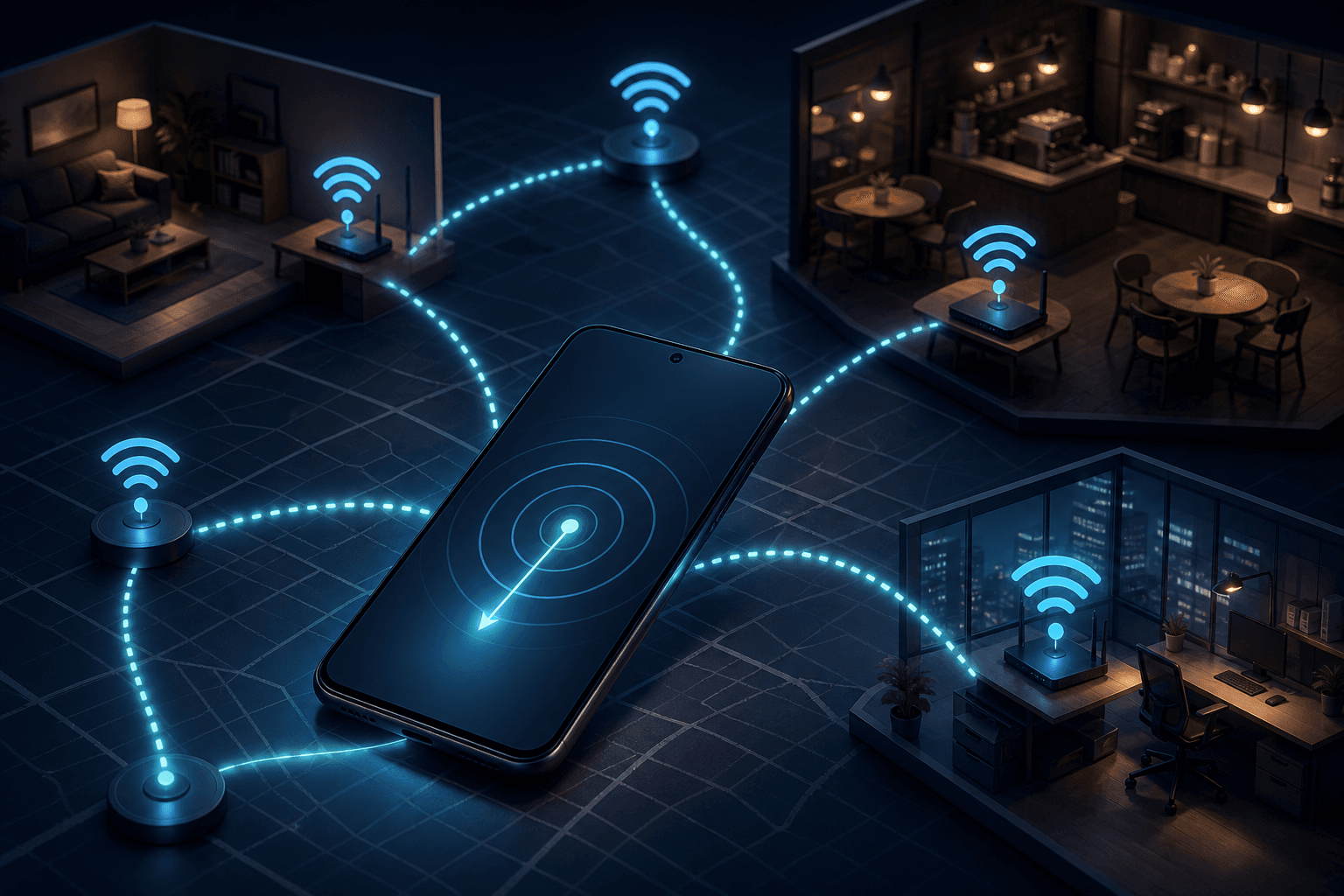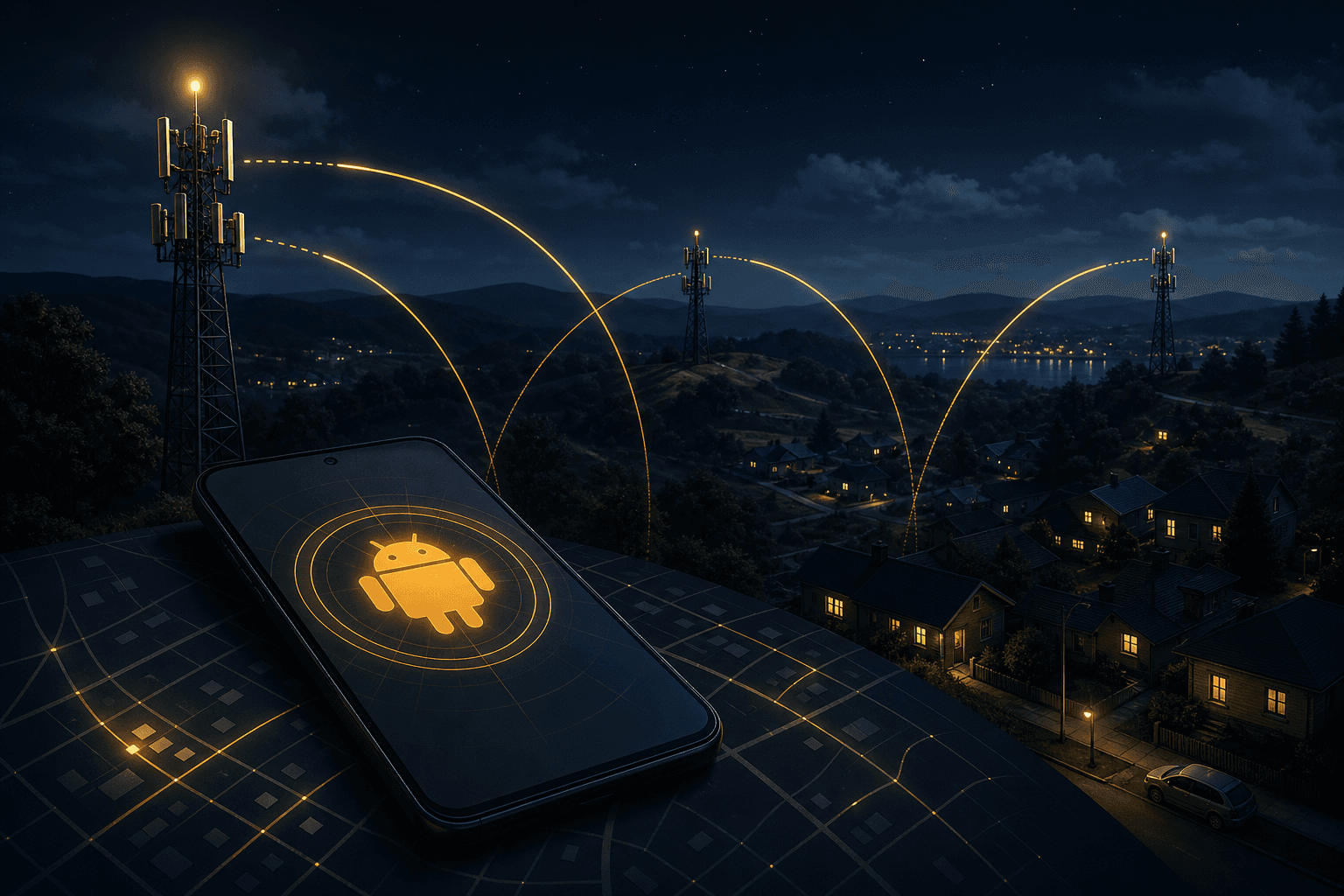
If you search for a cell tower map, “cell towers near me,” or “cell site monitoring,” you may be trying to answer one of two very different questions: where the network infrastructure is, or whether a tower can reveal the location of a particular phone.
The phrase cell site monitoring can refer to monitoring tower infrastructure or network performance. It can also be used more generally when discussing carrier records about which cell sites a phone connects to. This article focuses on the latter location question, while clarifying why infrastructure monitoring, carrier-side network data, and public tower maps are not the same thing.
A tower map can show approximate infrastructure locations. It generally cannot identify a specific person's live location. A mobile network may estimate where a connected phone is based on its network connection, but that carrier-level information is different from a public map, GPS, Google Maps Timeline, or an Android app's location permission.
That distinction matters if you are investigating unwanted tracking or trying to understand what a phone network can know.
What cell tower location means#
A cell tower—also called a mobile cell tower, mobile phone tower, or cellular phone tower—is part of a carrier's radio network. Your phone communicates with nearby network equipment so it can make calls, exchange messages, and use mobile data.
“Cell tower location” can refer to several things:
- The physical location of a tower or cell site.
- The sector or coverage area to which a phone is connected.
- A carrier's estimate of the phone's location based on network information.
- A location estimate calculated using several network signals or combined with other positioning systems.
These are not interchangeable. Knowing where a tower is does not prove that a phone is at that tower, and knowing which tower serves a phone does not normally provide a precise street address.
How a phone connects to nearby towers#
A phone does not always connect to the physically closest tower. The network chooses a suitable serving cell based on factors such as signal conditions, network capacity, obstructions, radio configuration, and the carrier's coverage design.
A single tower may also have multiple directional sectors. The phone may be connected to one sector rather than receiving an identical signal in every direction.
The result is a network relationship, not a GPS pin. A phone connected to a particular cell site could be somewhere within a broad coverage area. In a crowded city that area may be relatively small; in a rural area it may extend much farther. Terrain, buildings, weather, equipment, and network load can also affect the connection.
Cell tower location versus GPS location#
GPS uses signals from satellites and can provide a much more precise position under suitable conditions. Cell-based positioning uses the phone's relationship with the carrier network and may be less precise, especially when only one serving cell is available.
Here is the practical difference:
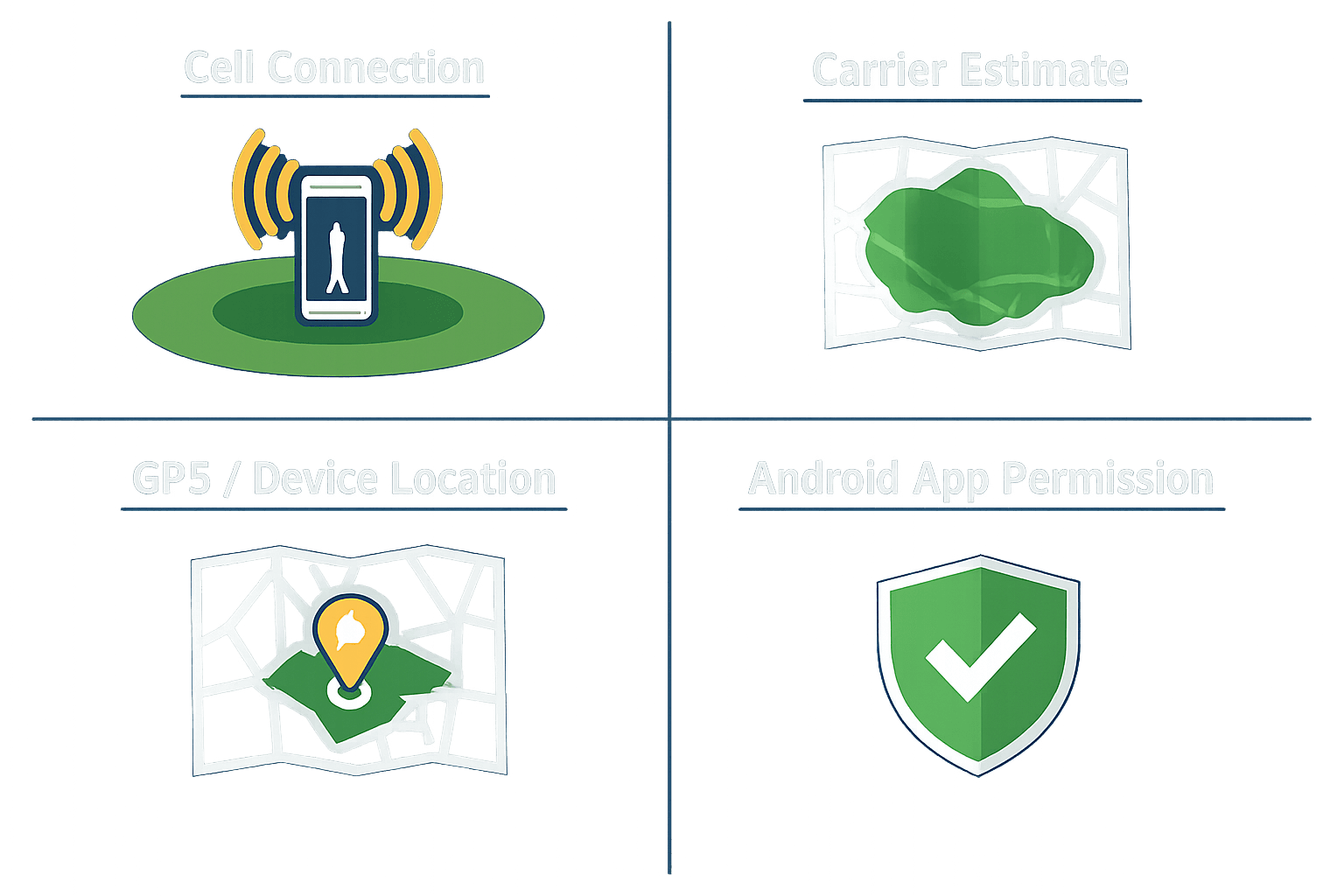
| Method | What it uses | Typical meaning | Main limitation |
|---|---|---|---|
| Cell connection | Serving tower, sector, and network data | The phone is communicating through a particular part of the carrier network | The coverage area may be broad |
| Network-based estimate | Information from one or more network signals | An approximate carrier-side location estimate | Accuracy varies by environment and available data |
| GPS or device location | Satellite and device sensors | A more precise device position when available | Can be affected by buildings, signal conditions, settings, and battery state |
| App location permission | Android's location services and the app's access level | What an app may request or receive | Permission does not automatically reveal what the app does with data |
| Public tower map | Reported or mapped infrastructure | Where towers or cell sites may be located | Does not identify a specific connected phone |
A public cellular tower map should therefore be treated as an infrastructure reference, not a live phone-tracking service.
What cell tower maps can and cannot show#
People searching for “cell phone towers near me,” “cellular towers near me,” or “mobile tower near me” may want to check coverage, understand local infrastructure, or investigate a report about a tower.
A cell tower map may help you:
- See approximate locations of listed towers or cell sites.
- Compare network infrastructure in a general area.
- Understand why coverage may differ between neighborhoods.
- Identify that a reported tower is not necessarily located at the exact point shown.
A map usually cannot tell you:
- Which individual phone is connected to a tower.
- The identity of a person near a tower.
- A phone's live GPS coordinates.
- Whether a particular person is being monitored.
- Which carrier account is using a cell site.
Tower databases can also be incomplete, outdated, or based on contributed data. Different maps may show different results because they use different sources, definitions, and update schedules.
Can a public tower map locate a specific phone?#
No—not by itself. A public map can show infrastructure, while a carrier's internal systems may contain connection records and other network information. Those systems are not equivalent.
Be cautious with websites that ask you to enter a phone number and promise an exact live location from nearby towers. A phone number alone does not give an ordinary member of the public access to carrier network records. Some services may provide a legitimate consent-based location feature, but that is different from secretly locating a phone through a public tower map.
Our guide to the limitations of locating a phone by its number explains why many number-based tracking claims are misleading.
Who may have access to carrier-level location information?#
A mobile carrier operates the network and can have access to technical information needed to provide service, troubleshoot connections, prevent fraud, and meet legal or regulatory obligations. The precise data retained, available, and disclosed depends on the carrier, jurisdiction, service, and applicable legal process.
Emergency services may also receive location information through emergency-location systems, where supported and permitted. The rules and technical behavior vary by country, network, device, and emergency system.
This does not mean that any nearby person, website, or app can retrieve the same information. Carrier-level access is not the same as Android app-level access, and a public tower map does not expose private subscriber records.
Why tower proximity is not proof of an exact location#
A common mistake is to treat a tower as a tracking beacon with a small, fixed radius. Real networks are more complicated.
A phone may connect to a tower that is not the closest one. It may remain connected while moving, switch between sectors, or use a site selected for capacity rather than distance. Radio signals can travel differently around hills, buildings, and other obstacles.
For that reason, a tower record may support a broad location estimate, but it usually does not prove that a person stood at a particular address at a particular moment. It also does not prove who was carrying the phone.
Cell towers versus Android app permissions#
Carrier-level location and app-level location are separate privacy questions.
An Android app may request access to your device's location services. Depending on your Android version and device manufacturer, you may be able to review whether an app has approximate or precise access, whether access is allowed only while the app is in use, and whether background access is available.
Permission settings can show what an app is allowed to request through Android. They cannot reveal every form of carrier processing, account compromise, physical tracking device, or data collection outside the permission you are reviewing.
You can use our guide to review Android app location, camera, and microphone permissions as a practical next step. If you are concerned about a broader pattern of suspicious behavior, our Android spyware-checking guide explains why one symptom or one scan is not proof of surveillance.
What to check if you suspect unwanted tracking#
Start with the least disruptive checks and avoid confronting another person if doing so could put you at risk.
- Review location sharing. Check Google and other account settings for active sharing, family features, or devices you do not recognize.
- Review Android permissions. Look for apps with location access that does not match their purpose. Pay attention to background access where your device exposes it.
- Check account security. Review signed-in devices, recent security events, recovery information, and two-factor authentication.
- Look for stronger evidence. Battery drain, heat, or high data use can have many ordinary causes and does not prove tracking by itself.
- Check for unknown physical devices carefully. A Bluetooth tracker, shared account, or installed app involves different checks from cell tower location.
- Protect your safety. If you suspect a partner, household member, stalker, or abusive person may be involved, use a safer device to seek help and avoid making changes that could escalate the situation.
If you are trying to locate your own lost Android phone, use the account-based Google Find My Device guide, not a public cell tower map.
Questions to ask before using a tower-location website#
Before entering a phone number, account detail, or payment information, ask:
- Does the service require the phone owner's clear consent?
- Does it explain whether it uses a carrier feature, an installed app, or a location-sharing link?
- Does it promise an exact live location from only a phone number?
- Does it identify the company operating the service and explain its privacy practices?
- Does it ask you to install an unknown APK or disable Android security protections?
- Does it provide a clear way to cancel and delete your information?
Claims that sound like “enter any number and see the phone on a live tower map” deserve particular caution. A legitimate map of towers is not evidence that the service can access private carrier data.