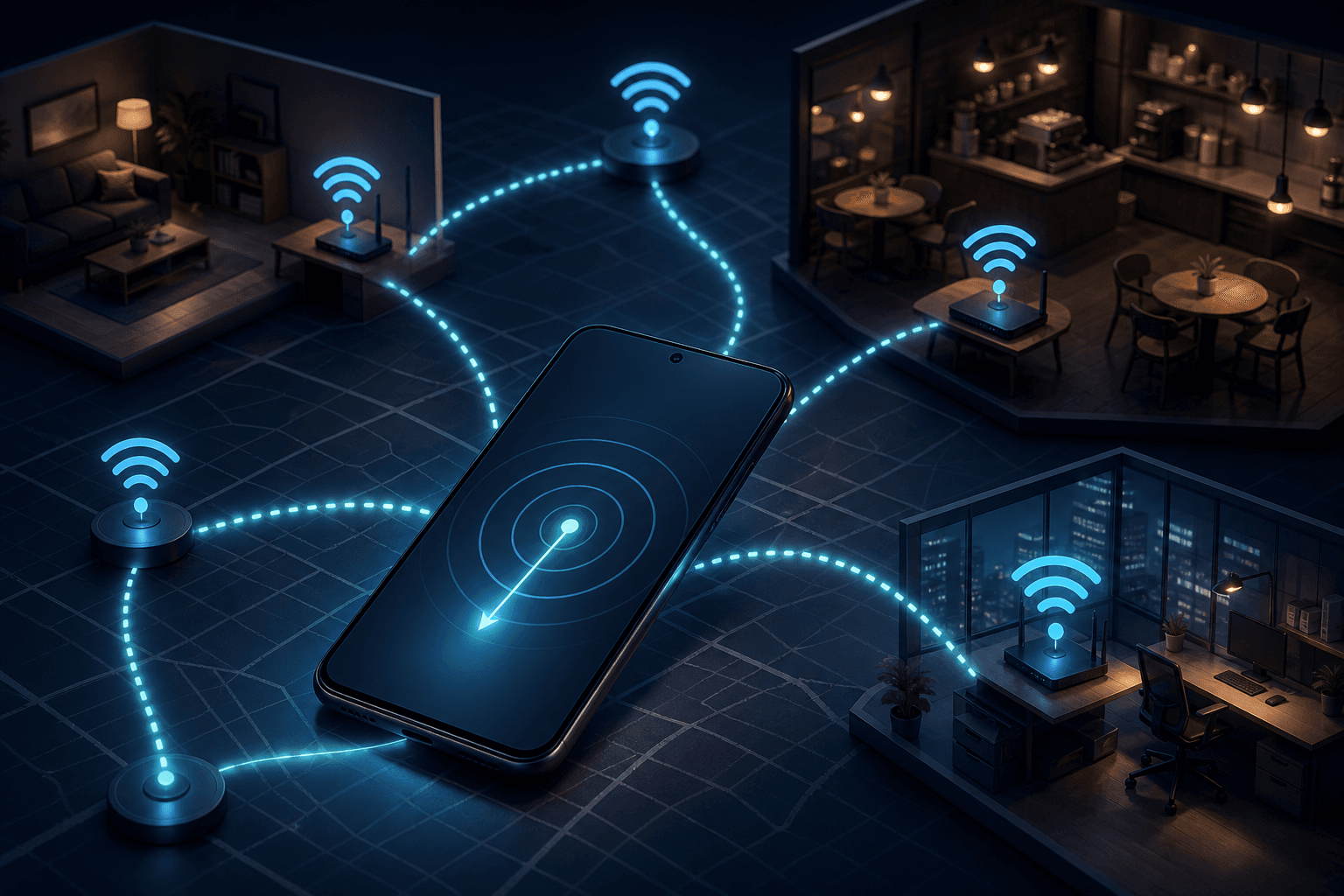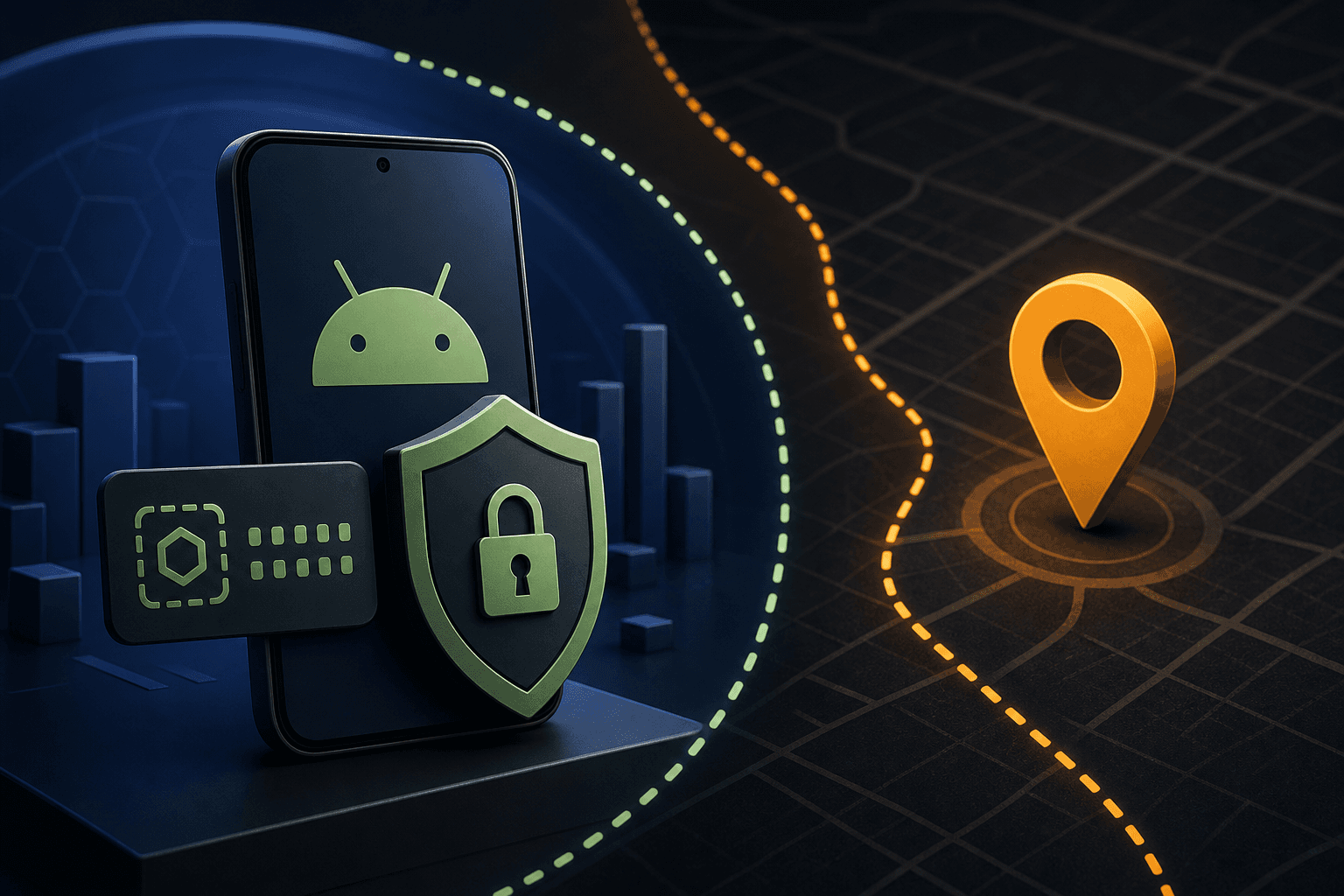
If your phone is lost, stolen, or behaving strangely, searching by IMEI can seem like the obvious next step. The important answer is this: an IMEI normally identifies a mobile device, but it does not give ordinary consumers a live map location.
An IMEI may help a carrier or police department identify a device, block it from cellular networks, or connect it with a report. Location services such as Google Find My Device use different signals, including the phone's account, connectivity, and location-related settings.
What an IMEI number is#
IMEI stands for International Mobile Equipment Identity. It is a device identifier used by cellular networks. A phone with two SIM slots may display two IMEI values because each cellular radio or SIM slot can have its own identifier.
The IMEI describes the handset, not the person carrying it and not the phone's current position. It is different from:
- A phone number, which identifies a cellular subscription or line.
- An account, such as a Google Account or Apple Account, which can be used for services and device management.
- A location signal, which may come from GPS, Wi-Fi, Bluetooth, nearby devices, or cellular network information.
- A serial number, which manufacturers and retailers may use for inventory, warranty, or service records.
An IMEI can be useful when reporting a lost device because it gives the carrier or authorities a specific hardware identifier. It is still sensitive information, so avoid posting it publicly or sending it to an unknown lookup service.
Can an IMEI reveal a phone's live location?#
Not through a normal public IMEI search. Entering an IMEI into a website cannot normally make that site display the phone's current position.
A carrier may see technical network information when a device connects to its service. In some circumstances, carriers or law-enforcement agencies may be able to use network records or legal processes to support an investigation. That is not the same as an open consumer tracking service, and the process varies by country, carrier, and situation.
An IMEI also cannot overcome basic conditions that prevent a phone from communicating. For example, a device that is powered off, has no usable network connection, or has been reset may not provide current network information. A device can sometimes remain identifiable without being immediately locatable.
This distinction is worth remembering:
| What you want to know | The more relevant tool or party |
|---|---|
| Where your own connected Android phone is | Google Find My Device or the manufacturer's device-finding service |
| Whether a handset is reported lost or blocked | A carrier, retailer, or reputable device-check service |
| Whether a device belongs to a particular person | Usually not something a public IMEI search can prove |
| Whether an app is accessing location | Android privacy and permission settings |
| Whether a carrier or authority has network records | The carrier or appropriate legal authority |
For a lost Android phone, start with the guide to finding an Android phone through Google Find My Device, rather than relying on a site promising instant IMEI tracking.
Who may be able to use IMEI information?#
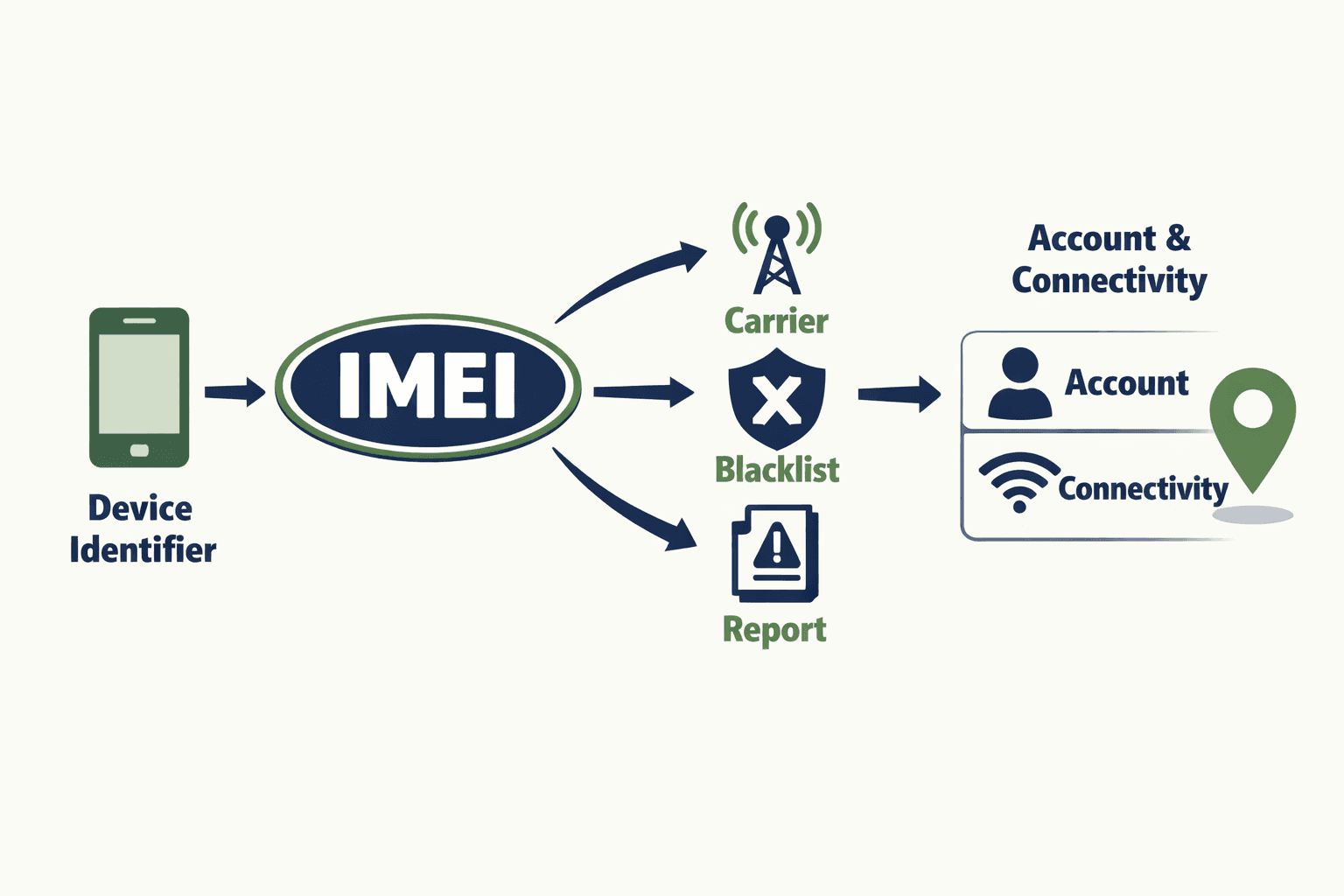
Different organizations can use an IMEI for different purposes:
- Mobile carriers may use it to identify equipment connecting to their networks and, where supported, restrict a reported device (and monitor traffic as detailed in cell tower location explained).
- Police departments may record the IMEI in a theft report and use it as an identifying detail in an investigation.
- Retailers, insurers, and repair providers may use it to match a phone with purchase, warranty, insurance, or service records.
- Consumers can use it to record their device details, provide information in a theft report, or ask a carrier about available blocking procedures.
These uses do not mean that every organization can search the IMEI and see a live location. Access to records, blacklist databases, and network information depends on the organization, the carrier, the jurisdiction, and the phone's status.
An IMEI blacklist is also not a universal recovery system. Blocking may prevent a device from working on certain networks, but it does not necessarily erase data, recover the handset, or stop use over Wi-Fi.
How to find an IMEI safely on Android#
The exact menu names vary by Android version and manufacturer. Common options include:
- Open Settings.
- Look for About phone, About device, or a similarly named section.
- Find IMEI, IMEI information, or Status.
- Record the number in a secure place, such as a password manager or protected home record.
You may also find the IMEI on the original packaging, purchase documentation, or a carrier account. Some phones display device identifiers through a built-in dialer code, but menu paths and supported codes vary. Do not use codes or apps from unknown sources just because a website recommends them.
If you have a dual-SIM phone, record each listed IMEI and label them clearly. Never publish the number in a social media post or use a screenshot that exposes it unnecessarily.
What to do if your phone is lost or stolen#
Act in this order where possible:
- Try the account-based device-finding service. Use the official service connected to the phone's account to view its last available location, play a sound, secure it, or erase it if appropriate. Availability depends on the phone's power, connectivity, account, and settings.
- Secure your accounts. Change important passwords from a trusted device, especially if the lost phone could unlock email, banking, or authentication apps.
- Contact your carrier. Ask about suspending the line, replacing the SIM, and whether the carrier supports blocking the handset by IMEI.
- Report theft when appropriate. Give police or your insurer the IMEI, serial number, purchase information, and identifying details.
- Do not arrange a confrontation. If a map shows an unfamiliar location, provide information to law enforcement rather than attempting recovery yourself.
If you are concerned that somebody is monitoring your phone rather than that the handset is missing, an IMEI search is usually the wrong first step. Review Android app permissions for location, camera, and microphone and look for account, sharing, or app changes that you recognize or can investigate safely.
Why IMEI lookup websites can be risky#
A website that asks for an IMEI may offer a legitimate limited check, such as a carrier compatibility or reported-loss status check. However, a claim that any member of the public can enter an IMEI and obtain a precise live location should be treated as a major warning sign.
Potential risks include:
- Requests for payment before revealing a result.
- Demands for your Google password, verification code, or full identity details.
- Downloads or browser extensions that are unrelated to a basic device check.
- A result that uses vague language such as “GPS found” without explaining the data source.
- Pressure to share another person's IMEI or personal information.
Do not install an unknown APK, disable Play Protect, or provide account credentials to test an IMEI service. If a site claims it can locate a phone, ask what organization operates the service, what authority it has to access location data, and what exactly its result represents. If those answers are unclear, leave the site.
IMEI tracking versus app-based location tracking#
These are different issues. An IMEI is a hardware identifier. App-based tracking may involve a location permission, an account session, a shared-location feature, a device-finding service, or malicious software.
Battery drain, overheating, unusual data usage, or an unfamiliar app can justify checking your phone, but none of these signs alone proves surveillance. If you see a concerning app, first consider ordinary explanations such as an update, background syncing, or a recently installed tool. Then review its source, permissions, account access, and behavior.
For a broader review, use this Android spyware detection guide. A permission review or security scan can find useful clues, but no single check can identify every form of monitoring or guarantee that a phone is safe.
The practical answer to “search by IMEI”#
Use an IMEI to identify and report a handset—not as a consumer live-location tracker. If the phone is missing, use the official device-finding service and contact your carrier. If the concern is surveillance, investigate permissions, accounts, installed apps, and location sharing instead.
Frequently Asked Questions#
Can I search an IMEI to find a phone's location?#
Usually not. A public IMEI search may provide limited device or blacklist information, but it does not normally reveal a live location. Network records and investigative tools available to carriers or authorities are separate from consumer lookup sites.
Does this work differently for Samsung phones?#
The basic answer is the same for Samsung and other Android phones: the IMEI identifies the handset but is not normally a public live-location tool. Samsung's device-finding features and Google Find My Device use account and connectivity features rather than an IMEI-only search.
Can I search an iPhone by IMEI number?#
An IMEI can identify an iPhone and may be useful for carrier, warranty, insurance, or lost-device records. A public IMEI lookup still does not normally provide the iPhone's live location. The owner should use the official account-based device-finding service instead.
Can a carrier block a phone using its IMEI?#
Some carriers can restrict a reported lost or stolen device using its IMEI, but policies and coverage vary. Blocking is not the same as recovering the phone, deleting its data, or making it unusable on every network.
Should I share my IMEI with an online tracker?#
Share it only with a carrier, insurer, police department, retailer, repair provider, or other organization you trust and have independently verified. Do not provide passwords, authentication codes, or remote access to a site claiming that an IMEI alone can locate a phone.