You may search for phone cloning after noticing an unfamiliar app, unexpected account activity, or calls and messages that do not seem to make sense. The important first step is not to assume that your entire Android phone has been secretly duplicated. Several different technologies are described as “cloning,” and they create very different risks.
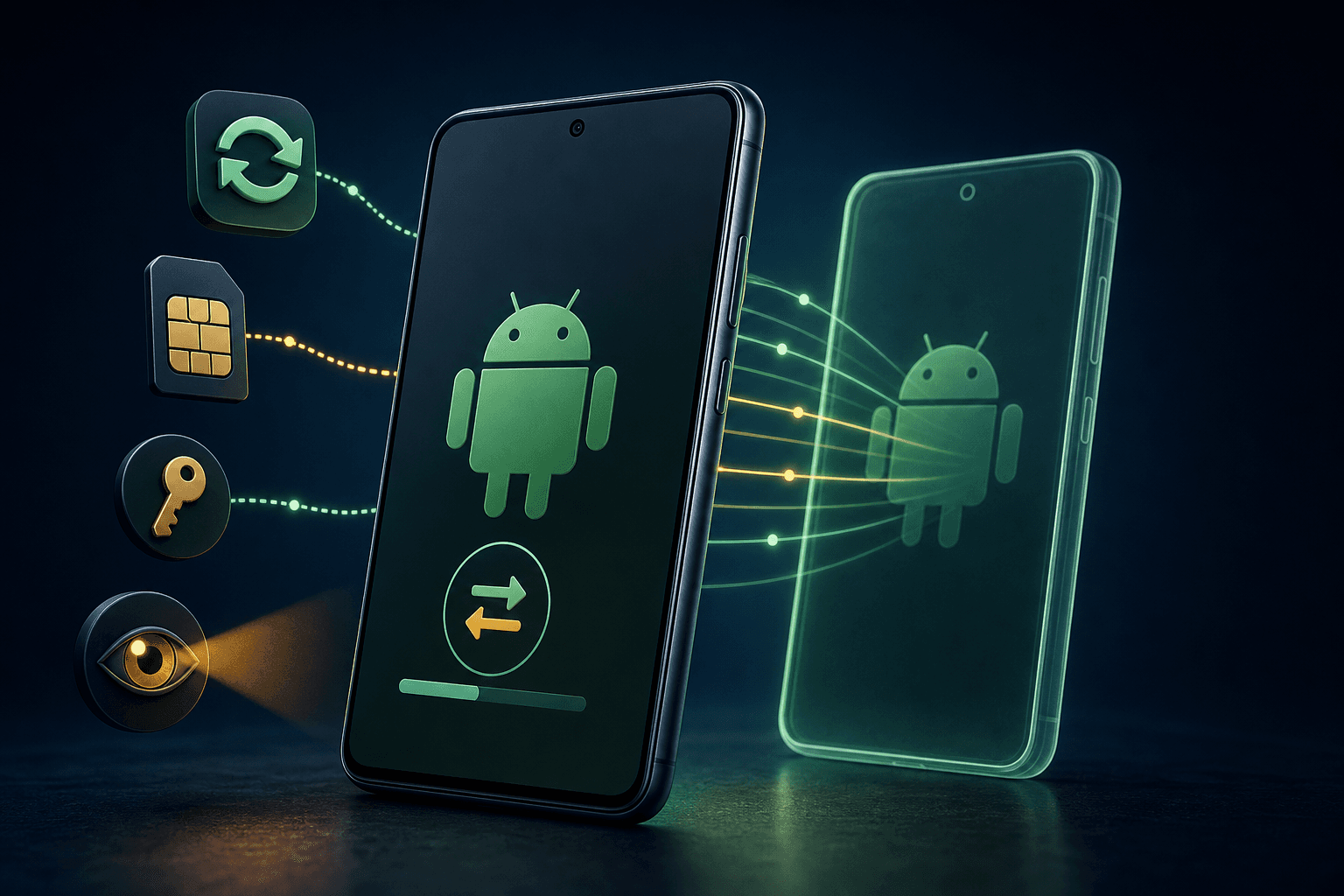
Phone cloning can refer to real events such as copying data to another device, compromising your mobile number, or gaining access to your accounts. However, it usually does not mean that someone created a perfect remote duplicate of the entire Android phone. A phone-transfer app can copy selected data to a new device. SIM cloning or a SIM-swap attack affects your mobile number. Spyware may monitor activity on the original phone. Account takeover can make another device appear to have access to your information.
These are not the same problem, and they require different checks. This guide explains what a clone or transfer app can do, what it cannot prove, and how to investigate safely without relying on one symptom or one scanning tool.
What people mean by phone cloning#
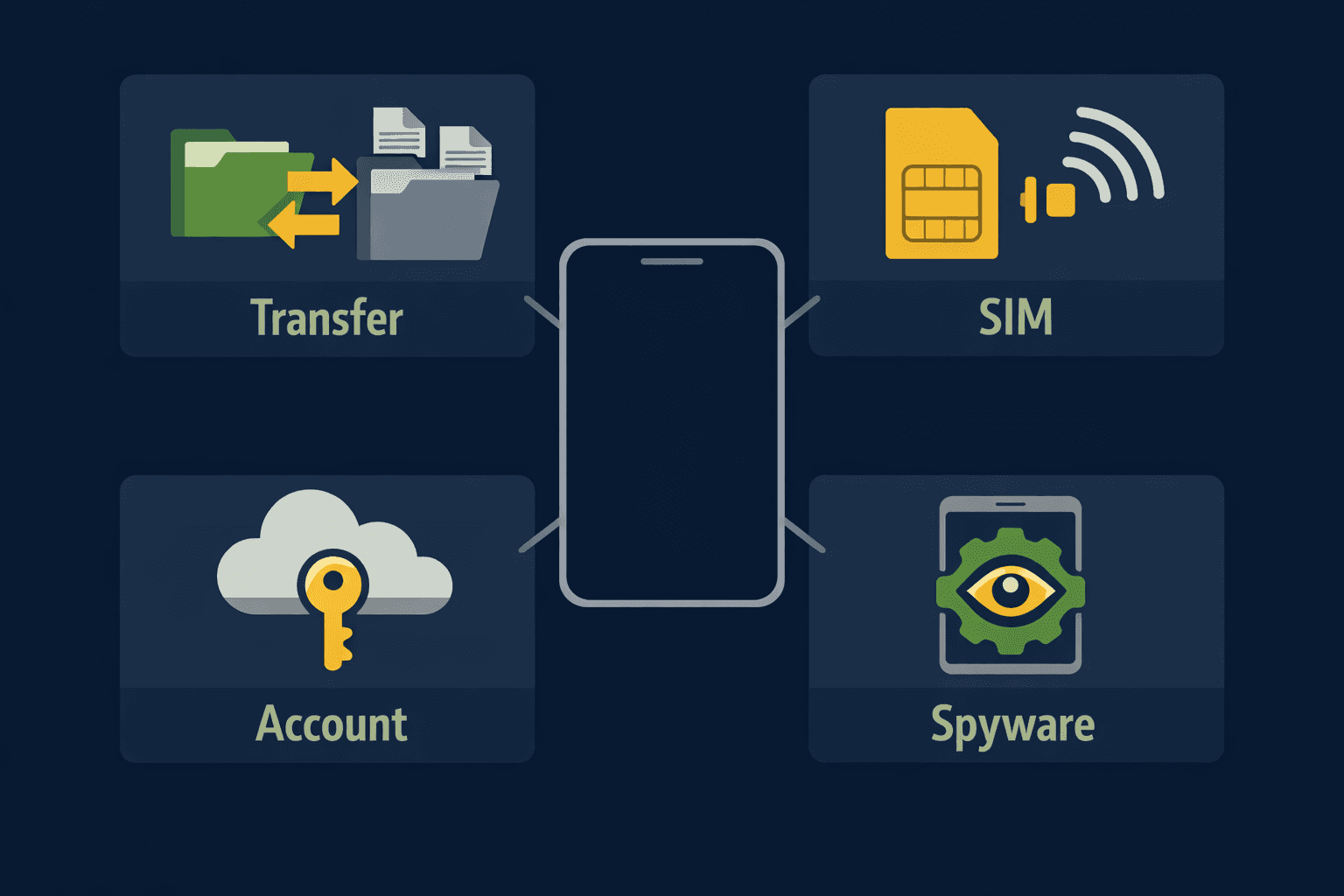
“Phone cloning” is an informal term rather than one single Android feature. It can refer to at least four situations:
| Situation | What may be copied or accessed | What it does not automatically mean |
|---|---|---|
| Device migration | Contacts, photos, messages, settings, or selected apps | Someone has remote control of the original phone |
| SIM cloning or SIM-swap fraud | Your mobile identity or phone number | All data on the Android device has been copied |
| Account takeover | Email, cloud data, messages, or synced information | The physical phone itself was duplicated |
| Spyware or stalkerware | Activity, location, notifications, or other data | Every unfamiliar app is spyware |
A legitimate phone clone app usually helps move information from an old phone to a new one. Manufacturers and third-party providers may use names such as Phone Clone, Smart Switch, Device Clone, or migration assistant. The name alone does not show that the app is malicious.
The more serious concern is unauthorized access: somebody may have signed in to your accounts, obtained control of your number, installed unwanted software, or gained physical access to the device. The checks later in this guide help distinguish those possibilities.
Phone cloning versus copying data to a new phone#
A migration tool can make a new Android phone look similar to an old one. Depending on the tool and the devices involved, it may transfer contacts, photos, calendars, messages, files, or a list of apps. Some app data may not transfer, and sensitive credentials are often protected from ordinary copying.
That means a successful transfer is not necessarily a security incident. If you recently set up a new phone, restored a backup, or used an official manufacturer utility, the duplicated content may be expected.
A transfer app also normally needs permissions or access to the data being moved. Review the app's publisher, installation source, requested permissions, and whether you recognize when it was installed. Do not install an APK from an unknown website simply because it claims to clone or secure your phone. For more context, see this guide to checking an APK or downloaded Android file for malware.
Phone cloning versus SIM cloning or a SIM swap#
SIM cloning and SIM swapping concern your cellular subscription, not necessarily the contents of your phone.
In a SIM-swap attack, someone persuades or tricks a mobile carrier into moving your number to another SIM or eSIM. In a traditional SIM-cloning scenario, an attacker attempts to copy subscriber information. Either situation can interfere with calls and text messages and may help an attacker receive password-reset codes.
Warning signs can include:
- Your phone suddenly loses cellular service in a place where coverage is normally available.
- Your carrier says that a SIM or eSIM was activated, replaced, or changed when you did not request it.
- You receive account-change notifications that you did not initiate.
- Calls or text messages stop arriving unexpectedly.
- An email, financial, or social account reports a password reset or new sign-in.
These signs do not prove the cause by themselves. A network outage, damaged SIM, billing issue, or carrier error can look similar. If your number stops working unexpectedly, contact your carrier through an official number or store and ask whether a SIM or eSIM change occurred. You can also review the SIM-swap warning signs on Android.
Phone cloning versus spyware and account takeover#
Spyware is software designed to collect information or monitor activity without appropriate consent. It may abuse accessibility access, notification access, device-management privileges, or other capabilities. Account takeover is different: an attacker may access your Google account or another online service without installing anything on your phone.
An account compromise can explain unfamiliar logins, changed settings, new messages, or cloud data appearing on another device. Spyware may explain unusual permissions or activity on the phone itself. Both are more plausible explanations than the idea that every part of the phone has been invisibly duplicated.
If you find a suspicious app, permission, or administrator entry, use the safer process in how to detect spyware on Android. Avoid confronting a person you suspect of installing monitoring software if doing so could put you at risk. A sudden change in access may alert them or remove evidence.
How to check an Android phone safely#
The exact menu names vary by Android version and manufacturer. Treat the following as a review process rather than a universal set of taps.
1. Record the concern before changing anything#
Write down dates, times, notifications, carrier messages, account alerts, and specific behavior. Save screenshots when it is safe to do so. A single observation is weak evidence, but a dated pattern can help a carrier, platform provider, or support professional understand what happened.
Do not treat battery drain, overheating, high data use, duplicate notifications, or an unfamiliar app as proof of phone cloning. Updates, poor reception, cloud synchronization, video calls, and ordinary app bugs can produce the same symptoms.
2. Review Google and other important accounts#
Open your Google Account security area and review recent security activity, signed-in devices, recovery methods, and third-party access. Remove devices and sessions you do not recognize, but first record details if you may need them as evidence.
Change a compromised password from a device you trust. Use a unique password and enable two-step verification. If text-message codes may be at risk, consider an authenticator app or security key where supported. The Google account security guide for Android can help with this part of the review.
Also check accounts that contain sensitive information, such as email, banking, cloud storage, messaging, and social networks. An attacker who controls your email may be able to reset other passwords.
3. Review installed apps and their sources#
Open Android's app settings and look through the complete installed-app list, not just the home screen. Check apps you do not recognize, recently installed apps, apps with generic names, and apps installed outside the official app store.
For each questionable app, review its publisher, installation date, permissions, battery use, mobile-data use, and whether you remember installing it. Do not uninstall an app immediately if personal safety or evidence preservation is a concern.
Google Play Protect and other built-in security features can be useful, but no scanner can guarantee that every form of surveillance or account compromise has been found. A clean scan does not rule out a stolen password, abusive account access, or a monitoring device near the phone.
4. Check powerful access settings#
Review areas such as:
- Accessibility services
- Device-admin or device-management apps
- Notification access
- Install unknown apps
- Display over other apps
- VPN settings
- Location permissions
- Microphone, camera, contacts, SMS, and call-log permissions
The labels and locations differ by device. The presence of a permission is not proof of abuse; some accessibility, VPN, security, and automation apps legitimately need powerful access. Look for a combination of an unfamiliar app, an unexpected permission, and behavior that matches what the permission enables. You can learn more in the guide to Android app permissions for location, camera, and microphone.
5. Check the carrier separately#
If the concern involves calls, texts, cellular service, or a SIM/eSIM change, the carrier is often the most relevant source of records. Ask whether there were recent SIM replacements, eSIM activations, number-porting requests, call-forwarding changes, or account-profile changes.
Use the carrier's official support channel. Do not call a number sent in a suspicious message.
6. Secure the device and accounts proportionately#
Install Android and app updates from their normal update mechanisms. Use a strong screen lock and remove unknown unlock methods or fingerprints. Change important passwords from a trusted device if necessary, and review account recovery options.
If you believe the phone has been physically accessed or contains high-risk spyware, seek advice from a trusted security professional or the relevant platform provider before resetting it. A factory reset can remove some unwanted software, but it may not recover a compromised account and can destroy useful evidence.
What clone or transfer apps can and cannot do#
A legitimate migration utility may copy data that Android allows it to read. It generally cannot magically reproduce every protected credential, bypass all security controls, or prove that a second person has access to your phone.
Likewise, finding a transfer app proves only that the app is installed or was used. Investigate its source, permissions, developer, and timing. An official manufacturer tool used during setup is very different from an unknown app installed recently with accessibility or device-management access.
Evidence that is weak or inconclusive#
The following observations deserve review but do not establish phone cloning on their own:
- Faster battery drain
- More mobile-data usage
- A warm phone
- Duplicate notifications
- An unfamiliar process name
- An app appearing after a system update
- A temporary loss of cellular service
- A phone that seems slower than usual
Look for corroboration: account alerts, carrier records, unexplained permission changes, an unknown administrator, or a clear installation event. Avoid apps that promise to detect a “cloned phone” with one tap or demand excessive permissions to perform a vague scan.