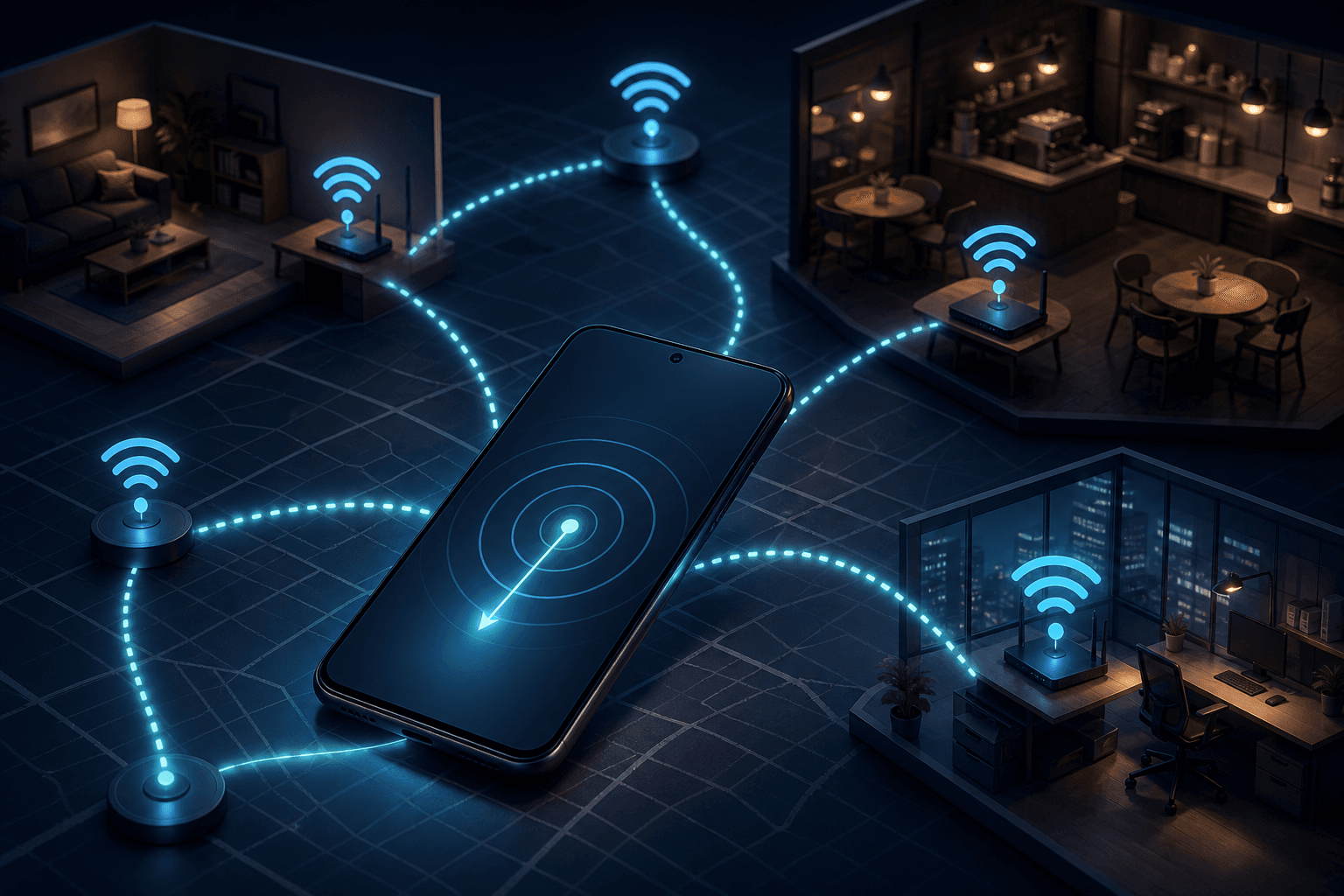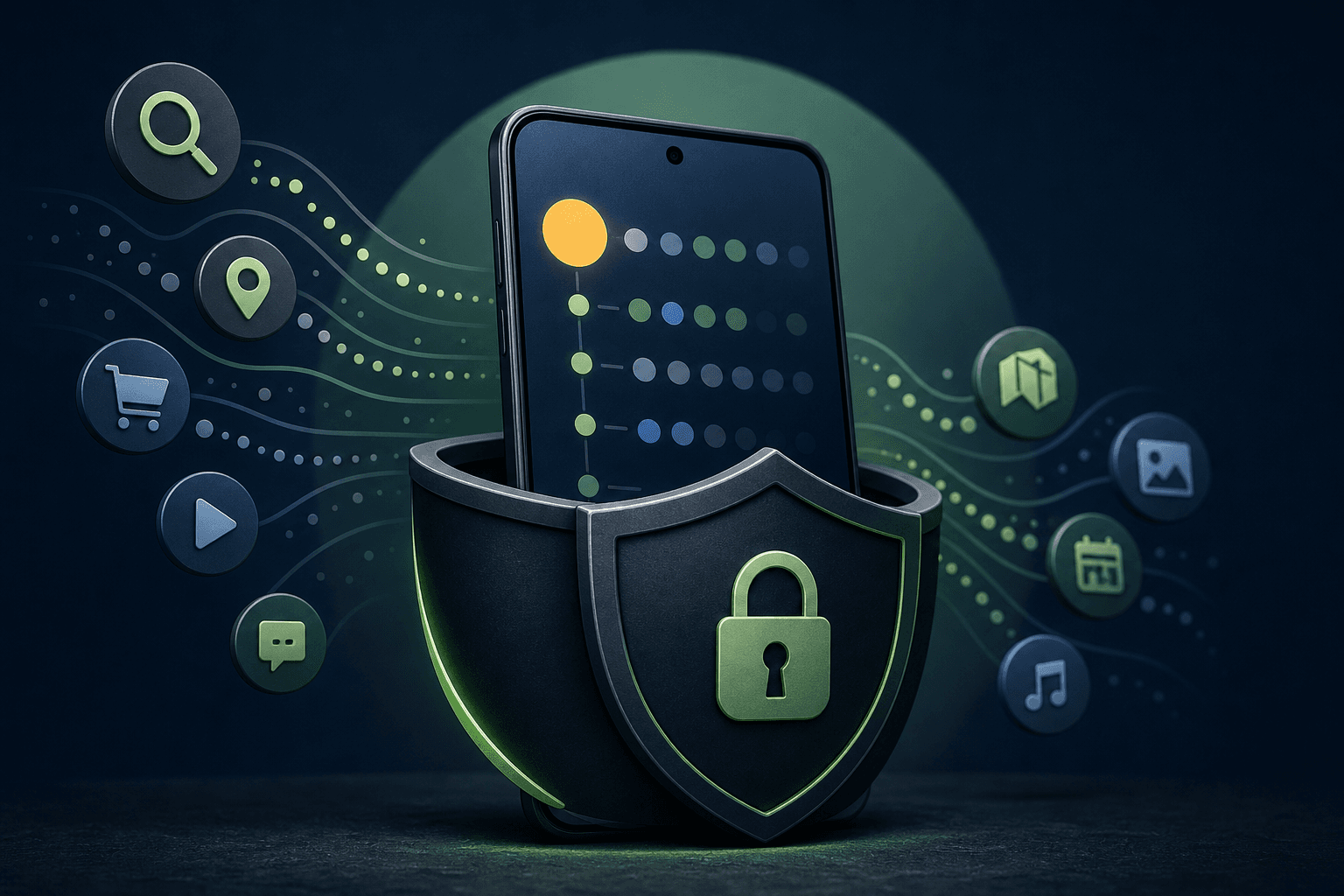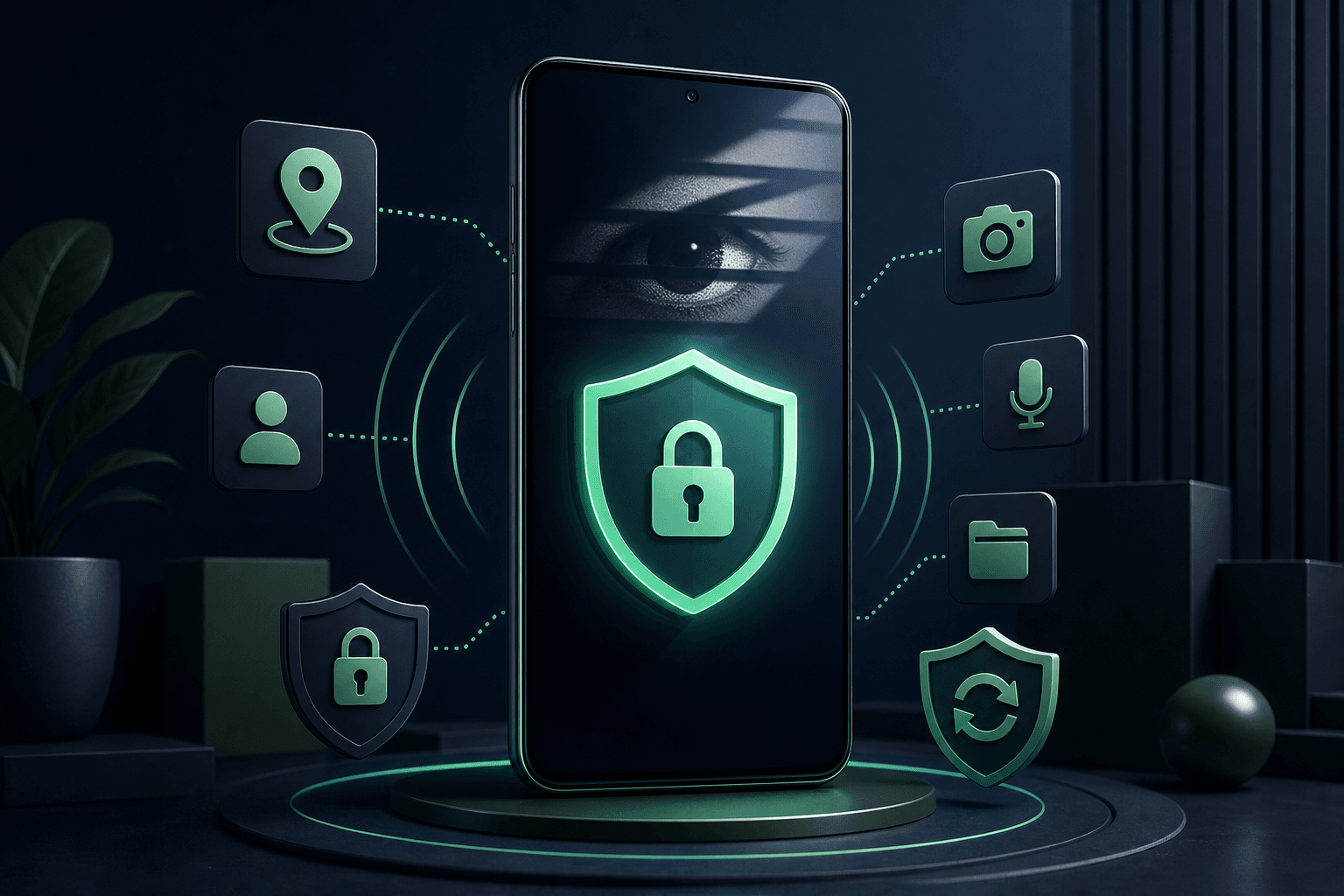
A phone can have strong privacy controls and still reveal your location, app activity, contacts, or browsing habits through accounts, networks, apps, and permissions. That is why a privacy focused smartphone is not simply a phone with a “private” label. It is a device whose operating system, update policy, app controls, account settings, and hardware features give you more meaningful control over what is collected and shared.
Smartphone tracking means collecting or inferring information about a device, its user, location, activity, or relationships. Tracking can come from apps and advertising systems, connected accounts, cellular networks, Wi-Fi or Bluetooth systems, and physical tracking devices. Privacy settings can reduce some forms of tracking and limit what particular apps can access, but they cannot make a normal phone invisible to every network, service, or nearby device.
The most important buying rule is simple: choose a phone that receives security updates for a long time, gives you clear permission controls, limits unnecessary background access, and lets you use trusted software sources. Then audit the phone after setup. No smartphone replaces permission reviews, account security, or attention to unusual behavior.
What “privacy-focused smartphone” really means#
Privacy and security overlap, but they are not identical:
- Security helps prevent unauthorized access, malicious software, and exploitation of software flaws.
- Privacy concerns what information is collected, who receives it, how long it is retained, and what control you have over that process.
- Anonymity means that activity cannot reasonably be linked to you. A normal smartphone generally cannot promise this because it connects to cellular networks, Wi-Fi, accounts, and services.
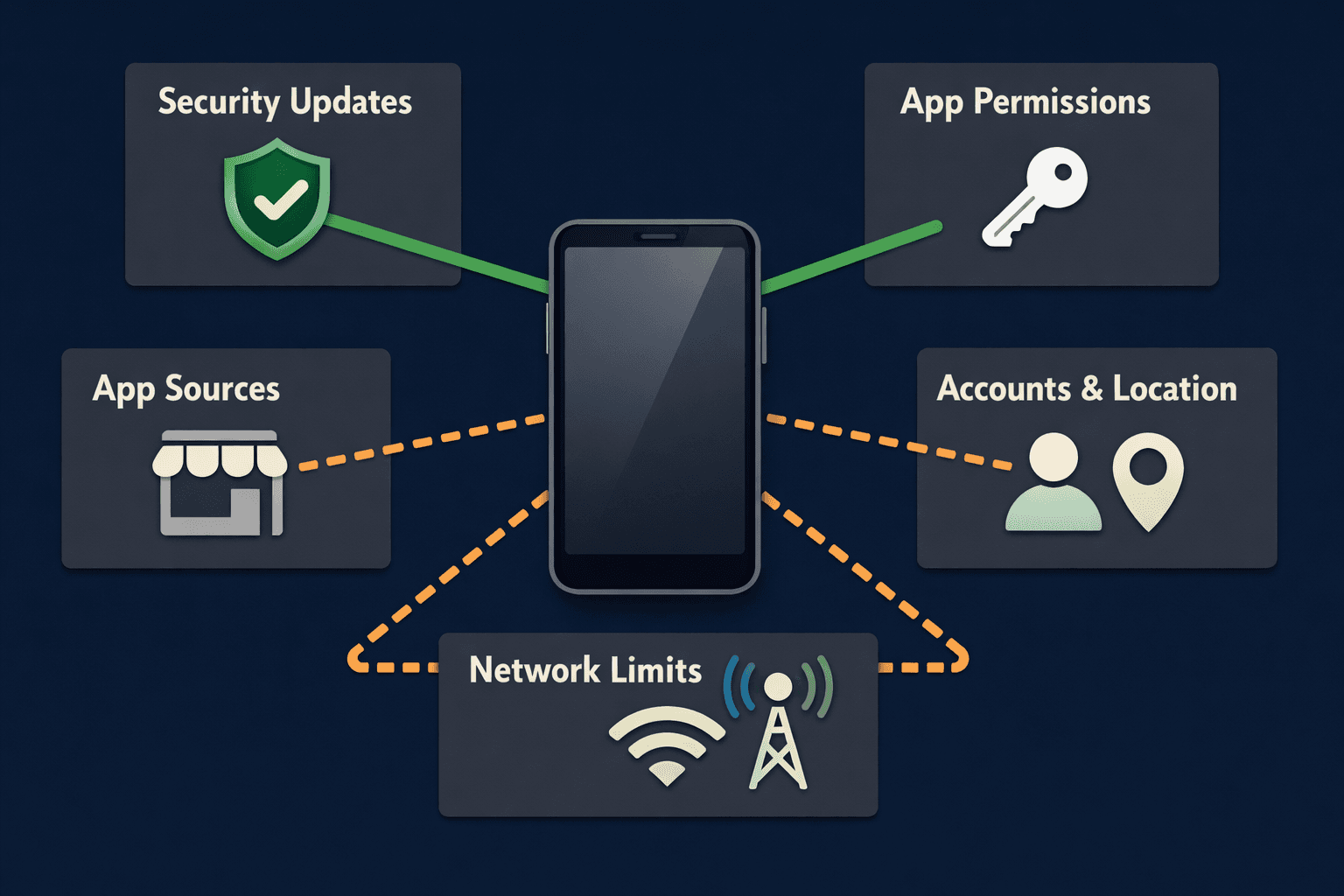
A privacy-focused phone should therefore be evaluated across several layers:
- The operating system and its default services.
- The length and reliability of security-update support.
- Permission and background-activity controls.
- The rules around app stores and sideloading.
- Account, advertising, and location settings.
- Cellular, Wi-Fi, Bluetooth, and physical-tracking limitations.
A device can be strong in one area and weak in another. For example, excellent permission controls do not make an old phone safe if it no longer receives security patches.
Start with security-update support#
An up-to-date phone is usually a better privacy choice than a more private-looking phone that no longer receives fixes. Security updates address vulnerabilities that could otherwise allow unauthorized access or data theft.
Before buying, look for:
- A clearly published security-support period.
- Regular security-patch delivery rather than occasional promises.
- A trustworthy update process that does not require unofficial files.
- Support that covers the exact model and region you plan to buy.
- A way to check the current Android version and security-update date in Settings.
The exact settings path varies. On many Android phones, update information is under Settings > System > Software update or Settings > About phone, but manufacturers can rename or rearrange these menus.
Do not confuse a phone’s launch date with the date its support ends. A device purchased late in its sales cycle may have less remaining support than a newer model. For practical guidance on checking patches, see the existing guide to Android security updates.
App permissions matter more than the phone’s label#
Android permissions determine whether an app can access sensitive features such as location, the microphone, camera, contacts, phone information, or files. A privacy-focused phone should make these choices visible and reversible.
After installing an app, ask whether its requested access matches its function:
- A navigation app may need location while you use it.
- A messaging app may reasonably need contacts if you choose to find friends.
- A calculator usually has no obvious reason to use the microphone or call history.
- A flashlight app should not need broad access to contacts, messages, or accessibility features.
Permission names and controls differ by Android version and manufacturer. Look under Settings > Privacy, Permission manager, or an individual app’s Permissions page. You may be able to choose options such as “Allow only while using the app,” “Ask every time,” or “Don’t allow.” Not every permission offers every choice.
A permission request is not proof of spying, and denying a permission does not prove that an app is harmless. Some data can be collected through ordinary app functionality, analytics libraries, accounts, or network connections. Use the phone’s controls as part of a broader review. The site’s guide to Android app permissions explains what common sensitive permissions can expose.
Official app stores, sideloading, and unknown sources#
Installing apps from outside an official store is commonly called sideloading. It can be useful in some situations, but it removes some of the screening and update convenience provided by a managed app store. An APK downloaded from an unknown website may be modified, outdated, or bundled with unwanted software.
A privacy-conscious setup should generally:
- Prefer reputable, official app sources.
- Avoid modified or pirated applications.
- Keep built-in malware protections enabled.
- Review an app’s developer, requested permissions, update history, and purpose.
- Disable “install unknown apps” access for browsers or file managers when you no longer need it.
App-store availability is also a privacy tradeoff. A phone that restricts apps to a particular store may reduce some risks but limit your choice. A phone that makes alternative stores or sideloading easy may offer flexibility while requiring more judgment from you.
Do not install an “anti spy for Android” app merely because its name promises total protection. Check who publishes it, what permissions it requests, whether it has a clear privacy policy, and whether it provides a specific, understandable function. Avoid unknown APKs advertised as spyware detectors or system cleaners.
Review account, advertising, and location controls#
A phone’s privacy also depends on the accounts connected to it. An account can synchronize contacts, location history, photos, app activity, and other information across devices. Someone who gains access to the account may learn more than a permission screen suggests.
During setup and afterward, review:
- Which Google or manufacturer accounts are signed in.
- Devices and sessions connected to each account.
- Location-sharing settings and family or household groups.
- Advertising personalization and app activity controls.
- Backup and synchronization choices.
- Two-step verification and recovery methods.
Location is especially complicated. Turning off one location setting does not make a phone invisible. Cellular networks can know which tower or network service is handling a connection, and Wi-Fi or Bluetooth can reveal nearby network or device information. Apps may also infer an approximate location from other data.
If you are concerned about account access, review the practical steps in Google account security and Android two-factor authentication. If you are concerned about a phone that already behaves strangely, start with how to detect spyware on Android, while remembering that no single scan or checklist can identify every form of surveillance.
Hardware trackers and network-level limits#
A privacy-focused smartphone cannot control every way a person or organization might learn where you are. Smartphone tracking can happen through several different paths, and each exposes different kinds of information:
- App and advertising tracking: Apps and their analytics or advertising partners may collect activity, device information, or location-related data permitted by the app and its services. Reviewing permissions, limiting background access where available, and removing unnecessary apps can reduce some exposure.
- Account and location-sharing tracking: Google, manufacturer, family, or other connected accounts may store or share location, activity, contacts, or device information. Reviewing sessions, synchronization, and location-sharing settings helps limit account-based exposure.
- Cellular-network tracking: Cellular networks can keep records associated with a SIM, a connected device, and the towers or network services handling communications. A phone cannot use cellular service without interacting with the network.
- Wi-Fi and Bluetooth tracking: Wi-Fi networks, routers, Bluetooth devices, and nearby accessories may create records or reveal information about nearby connections. Turning off radios when they are not needed can reduce some signals, but it does not remove every network or account record.
- Physical Bluetooth trackers: A tracker placed in belongings or a vehicle may report its location through compatible nearby devices. A phone may provide alerts about some unknown tracking devices, but detection behavior and feature availability can vary by Android version, manufacturer, and tracker type.
These sources do not all provide precise live location, and the information available depends on the service, device, network, and settings involved. Possible sources include:
- Cellular-network records associated with the SIM and connected towers.
- Wi-Fi network records and router logs.
- Bluetooth devices and nearby accessories.
- Location sharing through an account or family service.
- Physical Bluetooth trackers placed in belongings or vehicles.
- Apps that receive location while running or in the background.
Do not assume that a quiet phone means no physical tracker is present. Likewise, an IMEI is an equipment identifier, not a magic public tracking number. It may be used by carriers or authorities in specific systems, but entering an IMEI into a random website will not safely reveal a phone’s live location. See how IMEI tracking works for the distinction between device identifiers and consumer location tools.
Why a privacy-focused phone still needs auditing#
A phone is only as private as its current configuration and the apps connected to it. An update can add or change a feature. An app can request a new permission. A shared account can expose location. A person with physical access to an unlocked phone may change settings without installing obvious spyware.
Use a short audit after setup and periodically afterward:
- Check the security-update date. Do not ignore a phone that is consistently far behind.
- Review sensitive permissions. Pay particular attention to location, microphone, camera, contacts, SMS, accessibility, notification access, and device-administrator access.
- Review installed apps. Remove apps you do not recognize or no longer need, but avoid deleting an app solely because its name looks unfamiliar until you verify its purpose.
- Check account sessions. Sign out unknown devices and change the password from a safer device if account compromise is possible.
- Review location sharing. Check both phone settings and account-level sharing services.
- Look at security protections. Keep built-in protections and automatic updates enabled unless you have a specific, well-understood reason not to.
- Investigate patterns, not isolated symptoms. Battery drain, heat, or data use can result from poor signal, updates, video, navigation, or ordinary background activity. They do not alone prove spyware.
If you suspect that another person may react badly to changes, do not confront them or make dramatic changes before considering your safety. Use a trusted device to seek help, preserve relevant evidence where safe, and consider professional or local support.
A practical buying checklist#
Before choosing a privacy-focused smartphone, ask:
Operating system and updates#
- How long will this exact model receive security updates?
- Can you confirm the update policy from the manufacturer or platform documentation?
- Are updates delivered reliably in your country and carrier configuration?
Apps and permissions#
- Can you control location, microphone, camera, contacts, files, and background activity?
- Can you remove or disable unnecessary preinstalled apps?
- Does the phone make permission use understandable rather than hiding it in complex menus?
Software sources#
- Is there a trustworthy official app source?
- If sideloading is possible, can you leave unknown-source installation disabled by default?
- Does the device retain built-in security scanning and update protections?
Accounts and services#
- Which account is required during setup?
- Can you limit synchronization and location sharing?
- Are advertising and activity controls clearly accessible?
Your own risk model#
- Are you mainly concerned about advertising and data collection?
- Are you worried about a compromised account?
- Are you concerned about stalkerware, physical access, or a tracking device?
- Do you need specific apps that may require a particular platform or store?
The best choice depends on the threat you are trying to reduce. A phone optimized for app flexibility may not be the best choice for someone who wants strict software-source controls. A phone with strong privacy defaults may still require a mainstream account or cellular connection.